Save anywhere
Save links from any social app
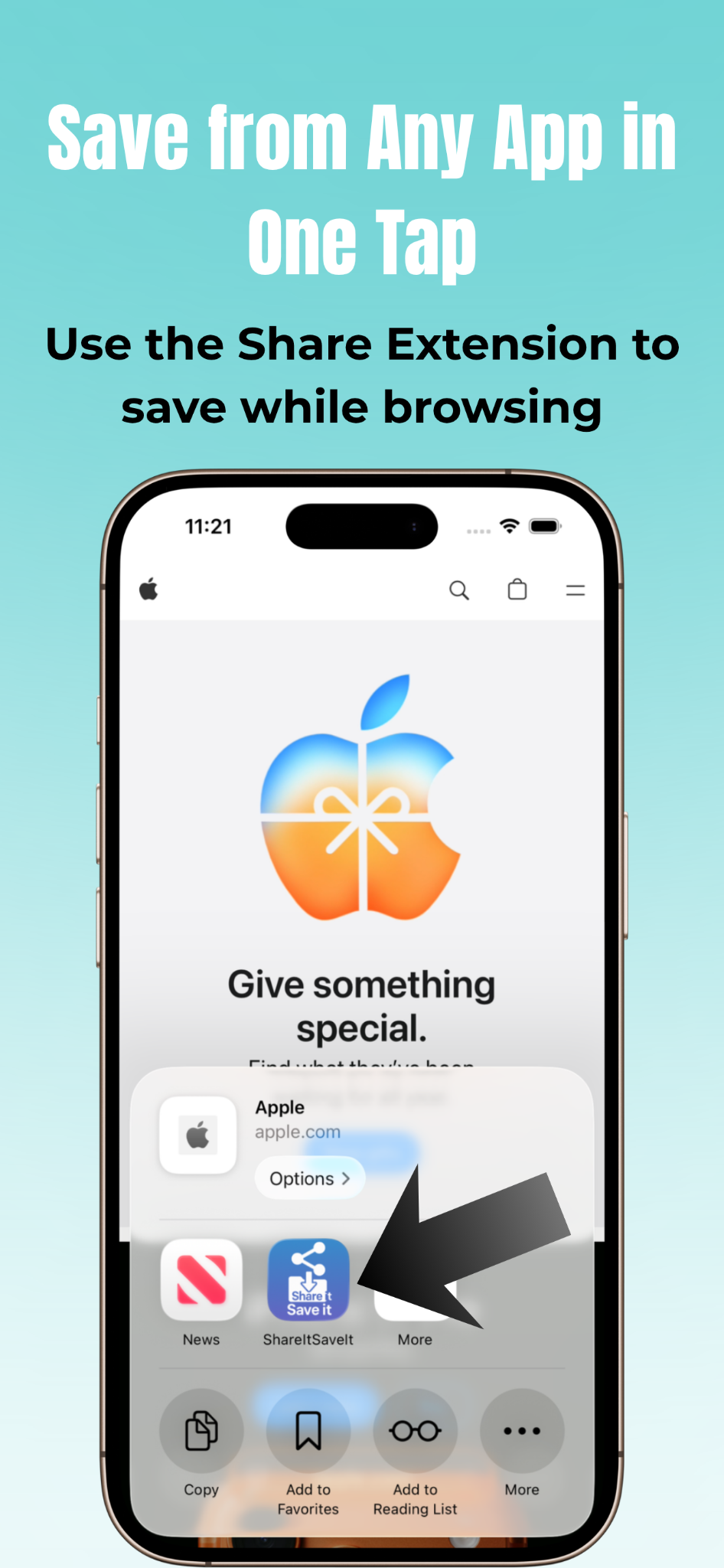
Use the iOS Share Sheet to instantly save links from Instagram, TikTok, X, YouTube, Reddit, or Safari. No copy and paste. Just tap Share and send it to ShareItSaveIt.

Save Instagram posts, TikTok videos, X threads, YouTube links, Reddit posts, and Safari pages with a single tap. ShareItSaveIt is a private iOS link organizer that helps you keep everything neatly sorted into folders, with no accounts, no tracking, and no cloud storage required.
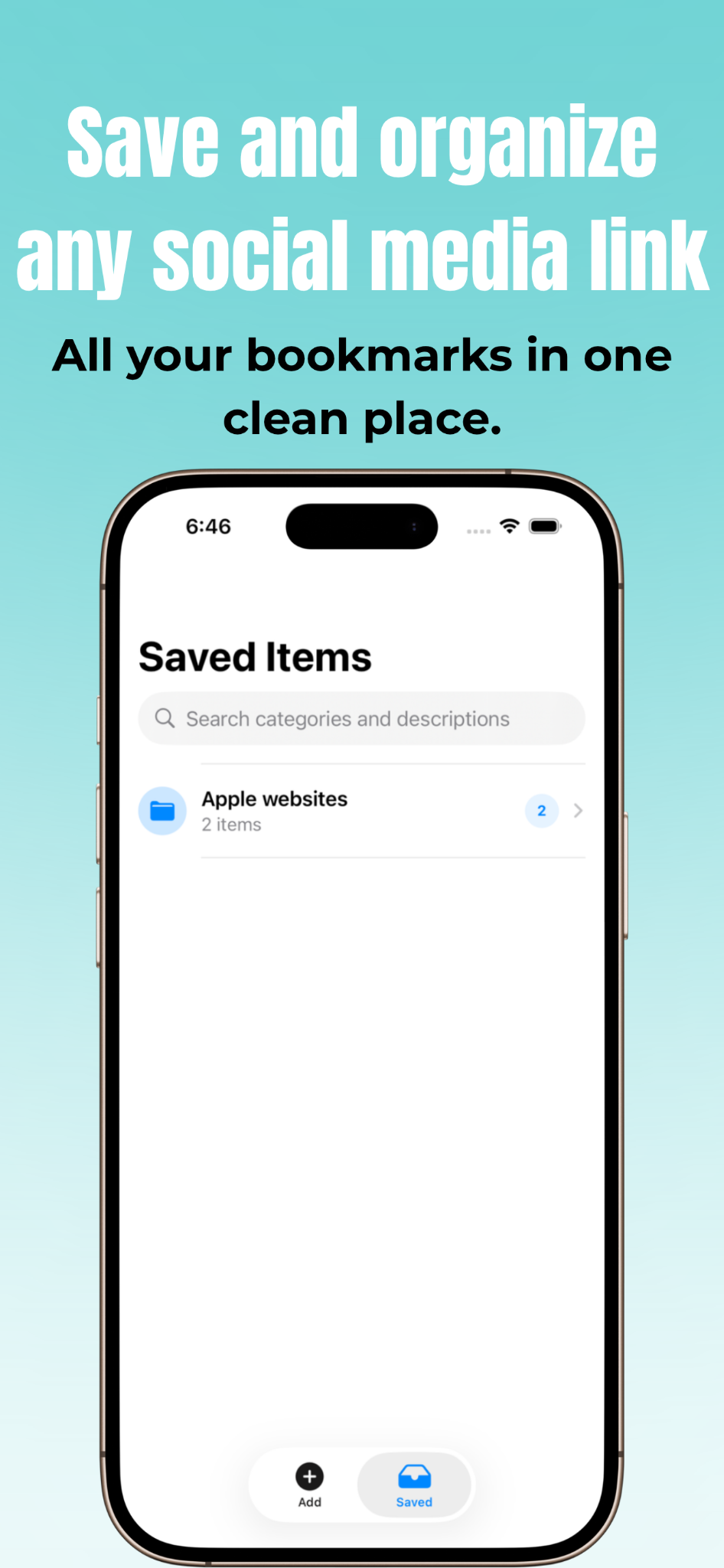
ShareItSaveIt helps you save social media posts and web links without messy bookmarks, endless tabs, or cluttered feeds.
Use the iOS Share Sheet to instantly save links from Instagram, TikTok, X, YouTube, Reddit, or Safari. No copy and paste. Just tap Share and send it to ShareItSaveIt.
Organize saved links by creator, topic, project, recipe, travel idea, inspiration, or anything else. Build a personal link library that makes sense to you.
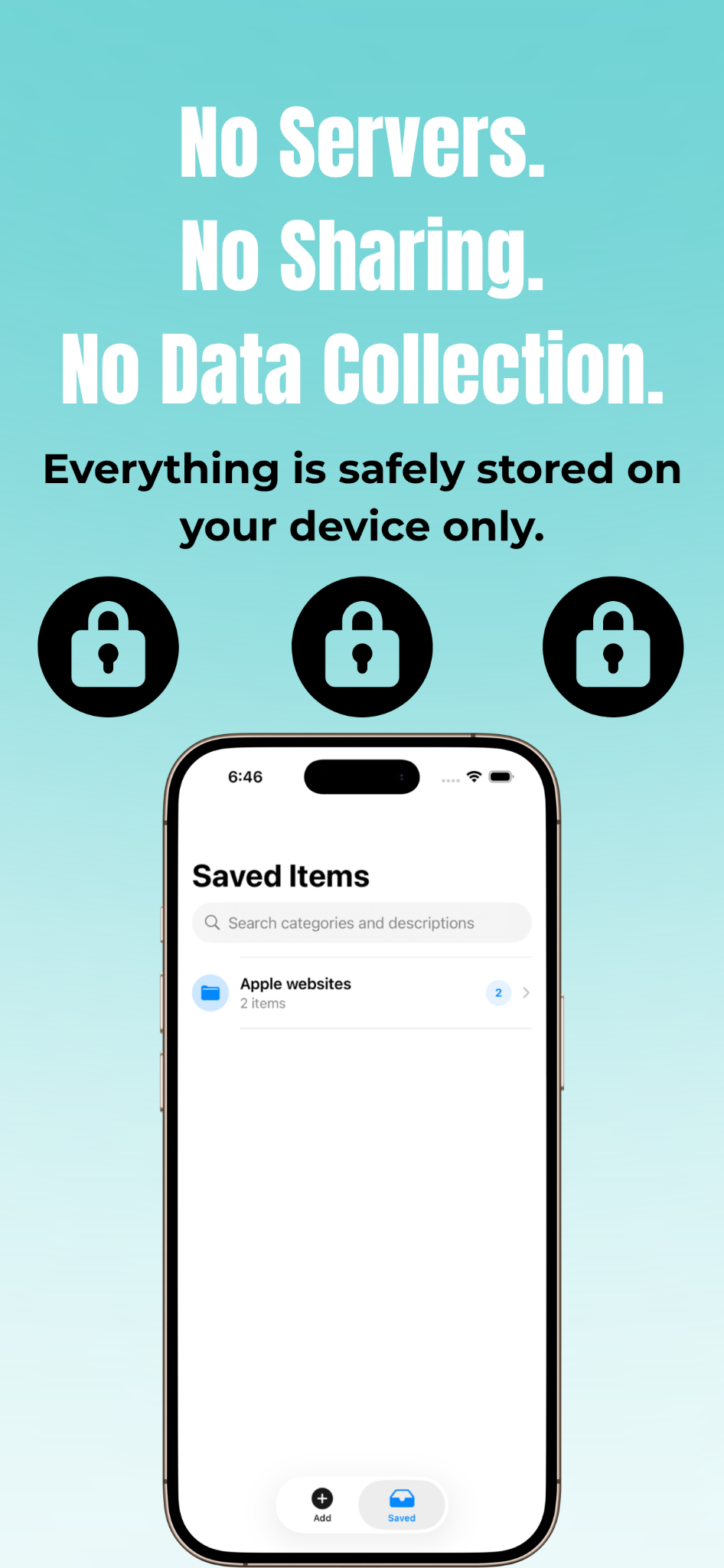
There are no accounts, no analytics, and no servers storing your data. All your saved links stay on your device, under your control.
A simple iOS app for people who want to save Instagram posts, TikTok videos, YouTube links, articles, and other web content for later.
ShareItSaveIt is a private link organizer for iPhone. When you find something worth saving, like a TikTok video, an Instagram post, an X thread, a YouTube link, a Reddit post, or a page in Safari, you can use the iPhone Share Sheet to save it in one tap. From there, you can organize your saved links into folders, browse them later without distraction, and keep your bookmarks available offline on your device.
This makes ShareItSaveIt useful for saving recipes, travel ideas, shopping research, creator content, project inspiration, study resources, and anything else you want to revisit. Unlike cloud-heavy bookmarking tools, ShareItSaveIt stays lightweight and private by design.
A quick look at how saving, browsing, and organizing your favorite links feels inside the app.
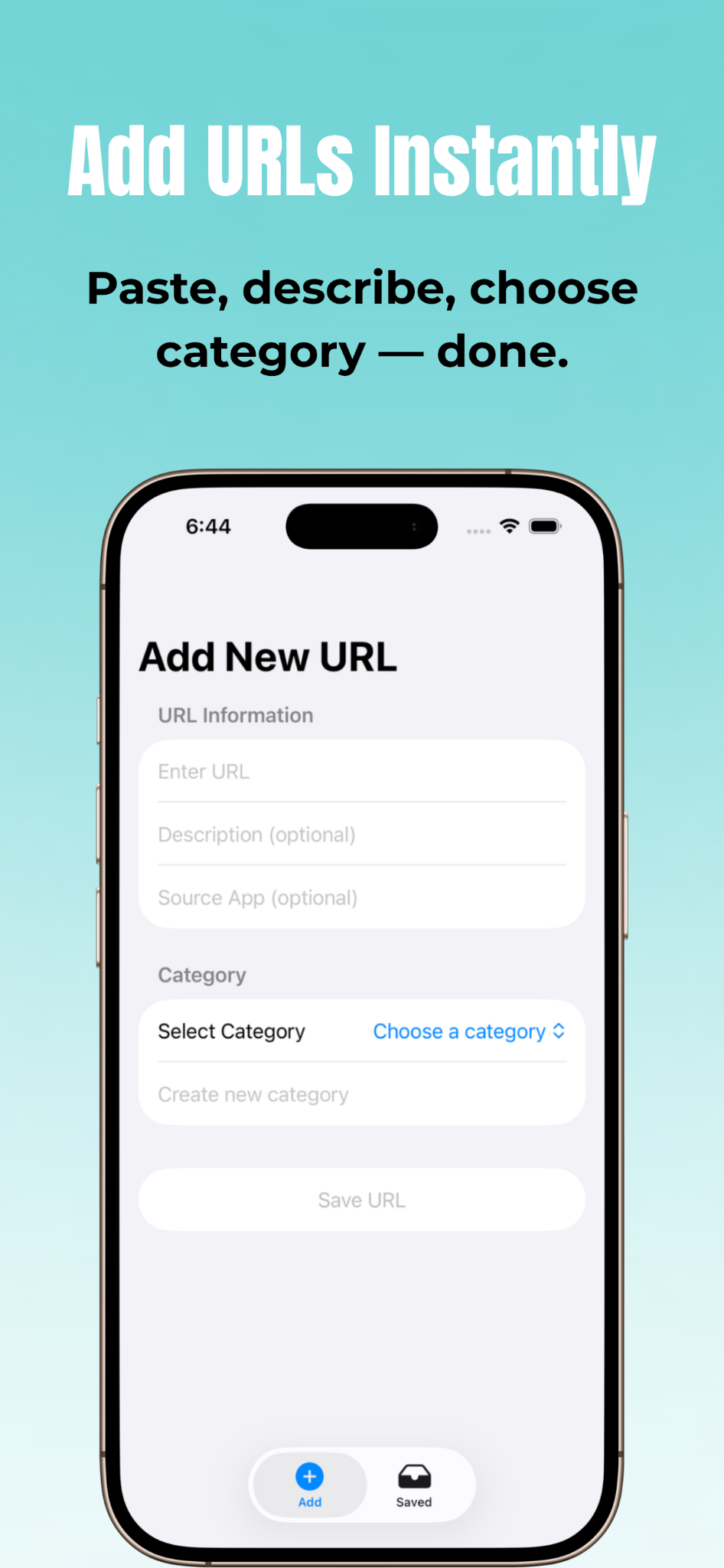
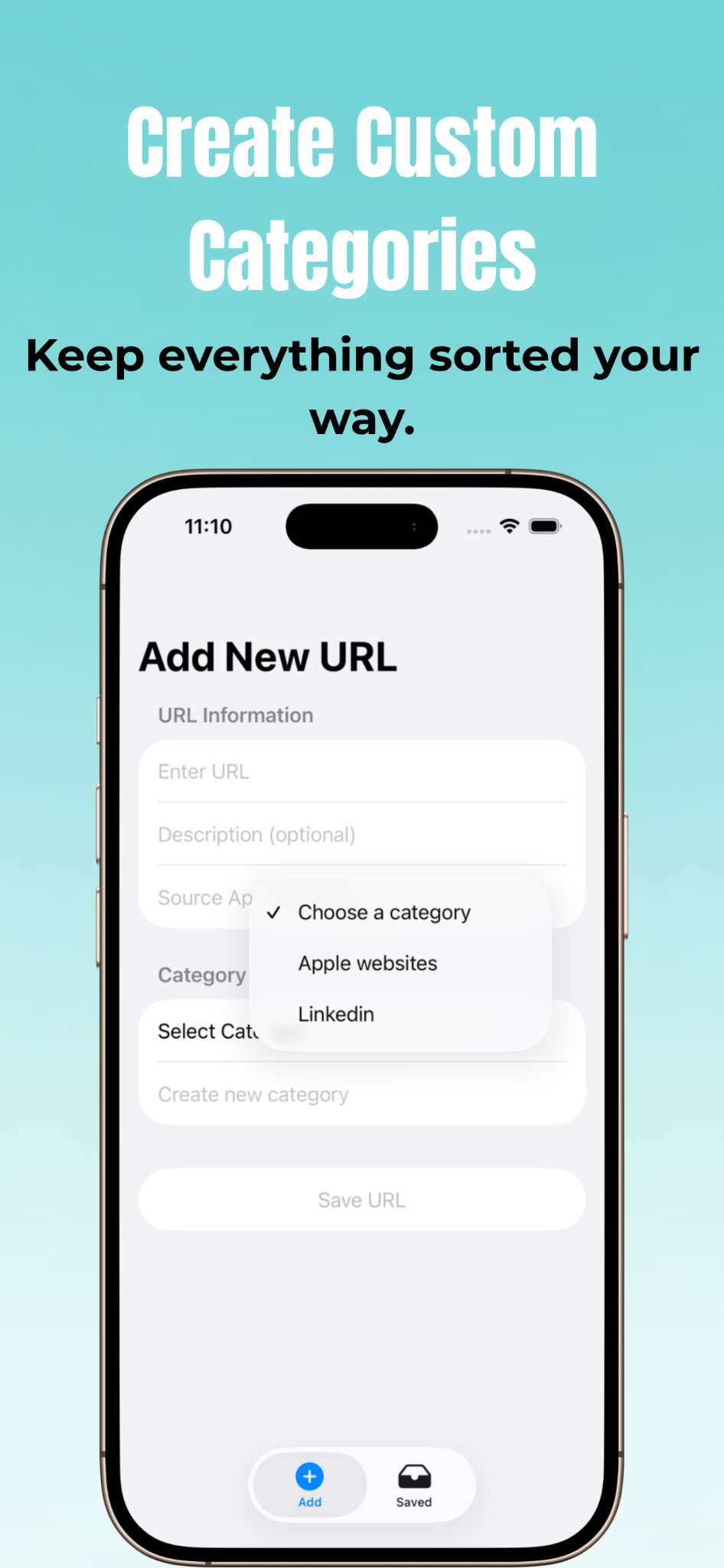
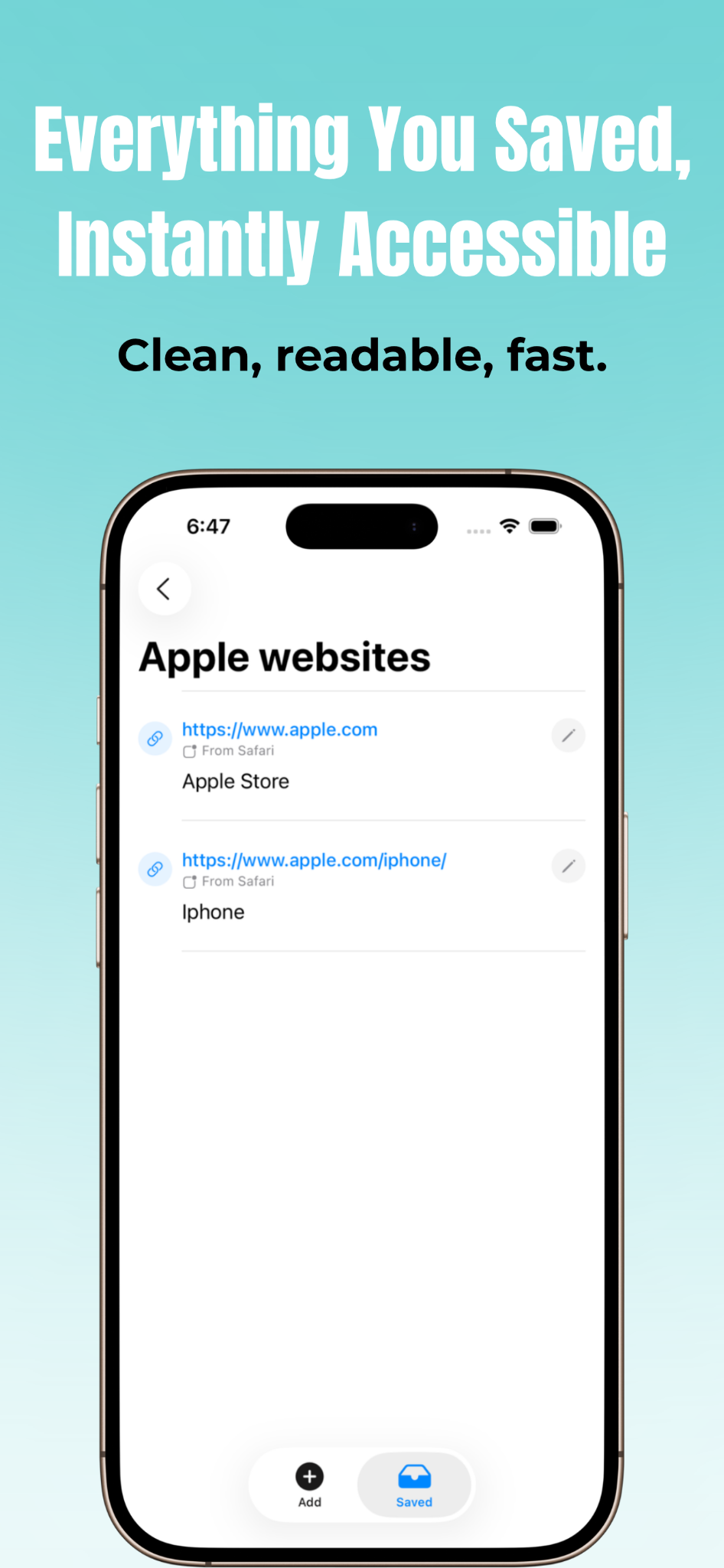
Tip: scroll horizontally to view all screenshots →
Use it as a bookmark organizer, inspiration library, or private reading list for your iPhone.
Keep track of creators, videos, threads, and posts you want to revisit without losing them in your social feed.
Save product research, tutorials, inspiration, articles, and reference links into folders you can browse anytime.
Use ShareItSaveIt to keep all your saved discoveries in one place instead of spreading them across apps and tabs.
ShareItSaveIt is intentionally simple, private, and easy to use. For full details or help, use the links below.
Learn exactly how ShareItSaveIt handles your data. Your saved links stay on your device, and the app does not track you.
Having trouble, or have an idea that would make ShareItSaveIt better? Visit the support page and get in touch.
Future updates may add smarter organization and faster ways to manage saved links, while keeping the app simple and privacy-first.